A polished seller experience
Present each listing with consistent, branded marketing.
For listing agents
Upload the media you already have. Allur checks and organizes it, then prepares a branded campaign for you to review and publish.
The outcomes
Present each listing with consistent, branded marketing.
Turn delivered media into a campaign without building every asset by hand.
Show sellers page views, QR scans, and buyer inquiries after launch.
How it works
Bring the listing address, your brand, and the photos or video your photographer has delivered.
Set the property address for the listing page and campaign materials.
Save your logo, headshot, colors, brokerage, and license details for your campaign.
Use photos and video from your photographer, or book a Bay Area shoot.
Your review stays in the loop
Allur checks and organizes your media; you choose the edits, campaign content, and when to publish.
Allur checks photo quality, MLS readiness, and room coverage before launch.
Choose any suggested staging, decluttering, twilight, or polish for your photos.
Get the branded listing page, copy, QR code, social assets, and print materials ready to review and publish.
What you get
Review the content, download the right files, then share, print, or publish when you’re ready.
Checks
Review photo findings against a selected MLS readiness ruleset before you publish.
Organization
Room labels and a suggested lead image help prepare media for MLS, social, and print.

Production
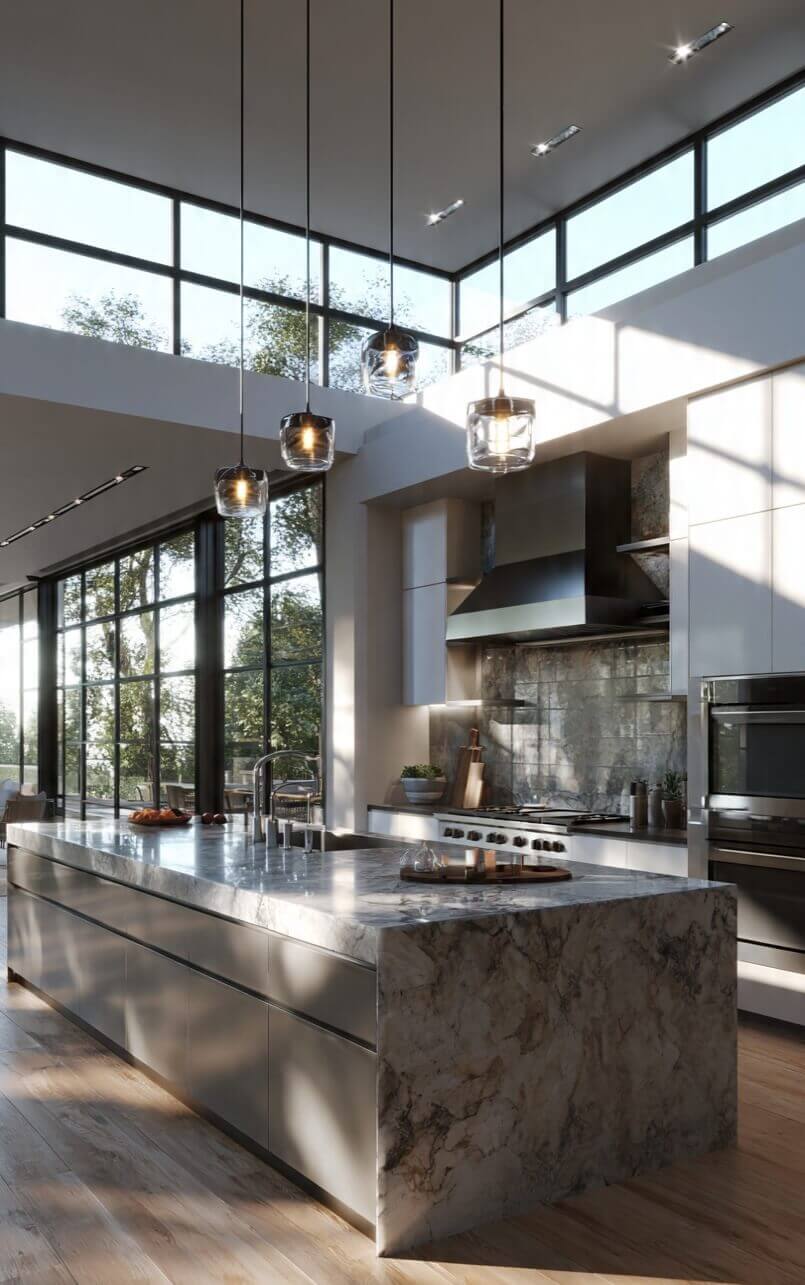
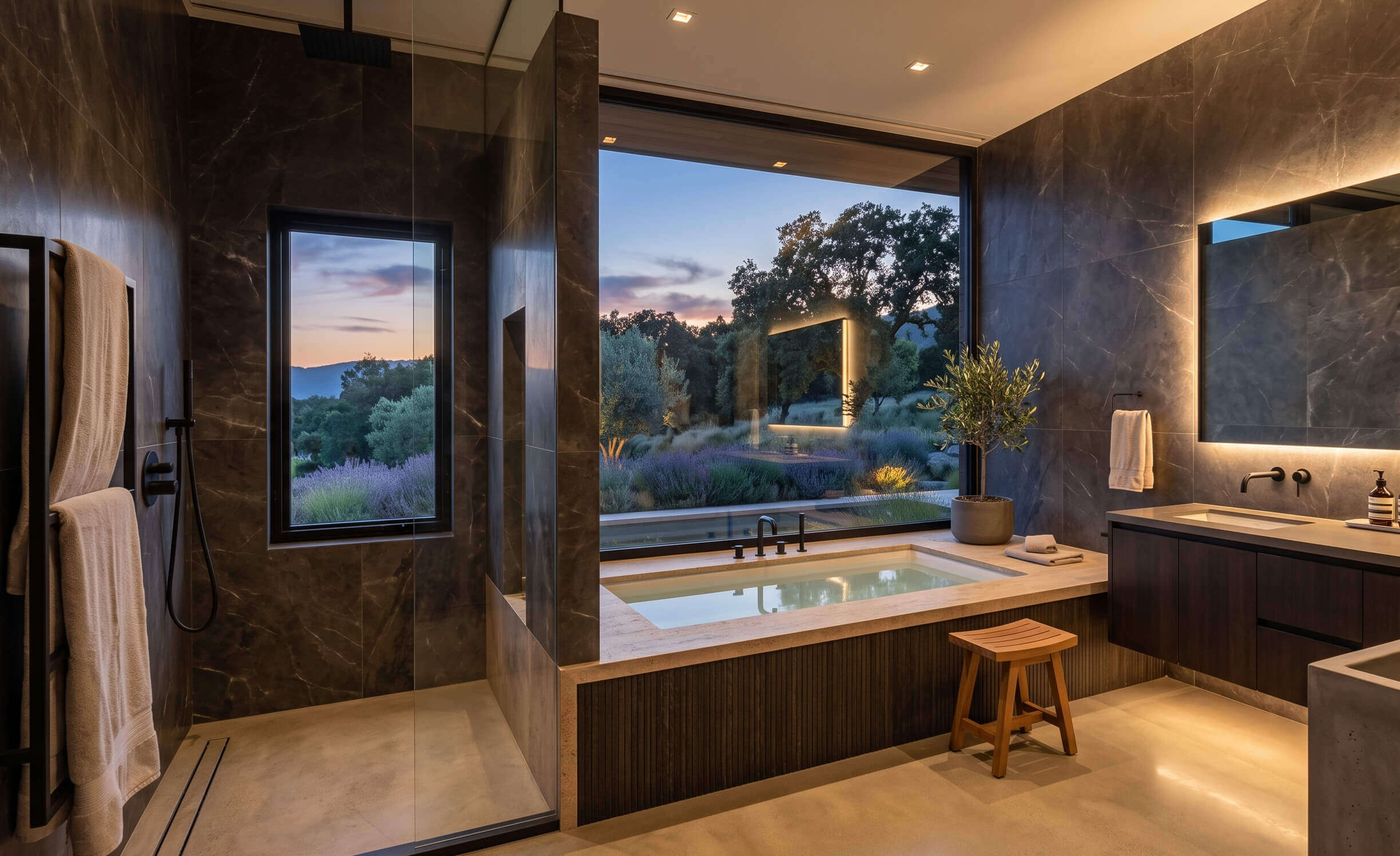
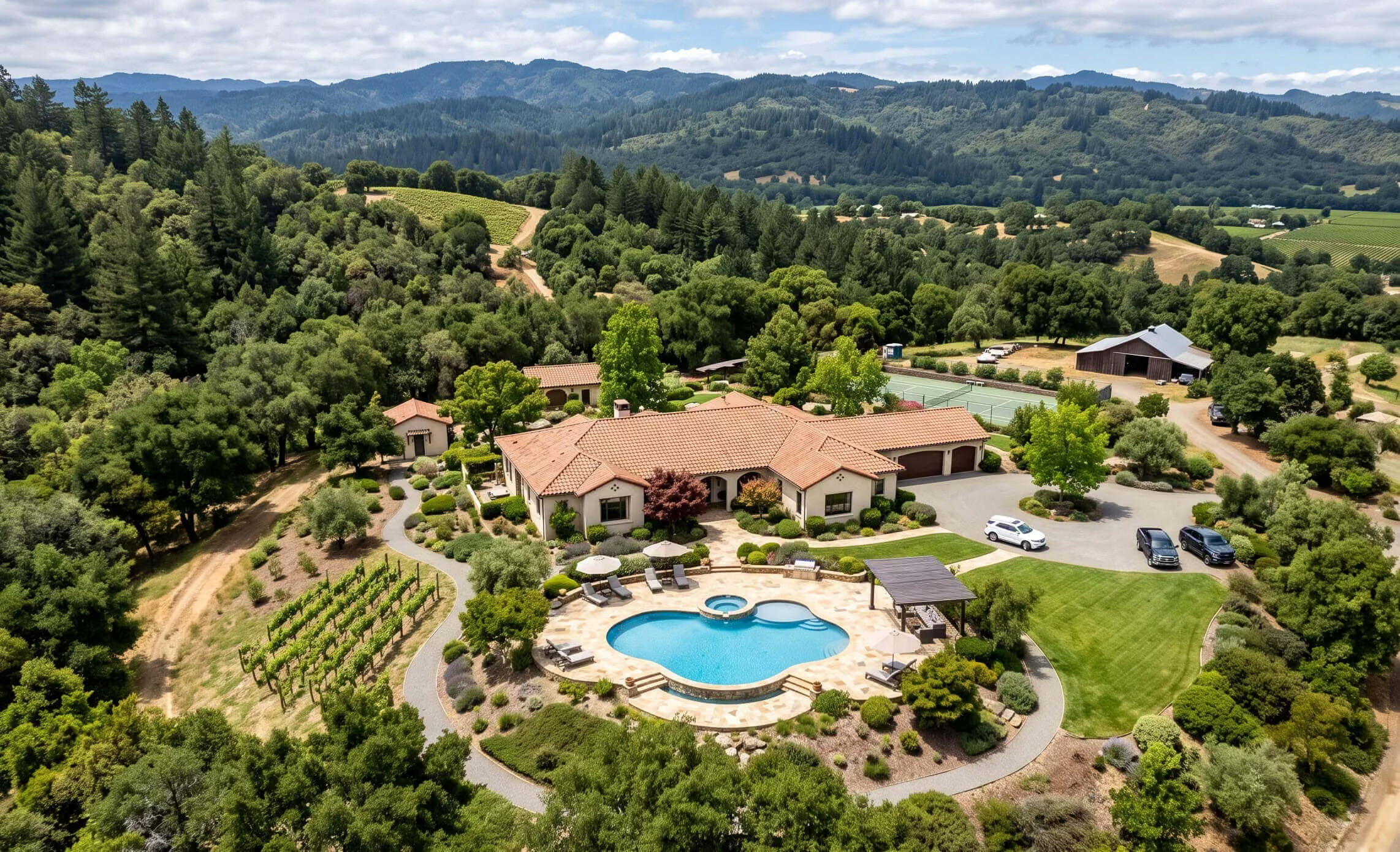
Allur may suggest staging, decluttering, twilight, or polish based on the media review. You choose which edits to create and where to use them. Originals are preserved, edited files are labeled, and the listing page stays private until you publish.
Choose empty rooms to furnish; edited files are labeled Virtually Staged.
Choose cluttered rooms to tidy; edited files are labeled Virtually Decluttered.
Create a twilight look from daytime exteriors or aerials; edits are labeled Virtual Twilight.
Choose a clear sky, light clouds, or soft overcast; property features stay as photographed and edits are labeled Virtual Sky.
Add selected details such as a fireplace flame or a TV screen; edits are labeled Digitally Modified.
Your saved identity appears on the page, QR code, flyer, email, and social stills; MLS originals remain untouched.
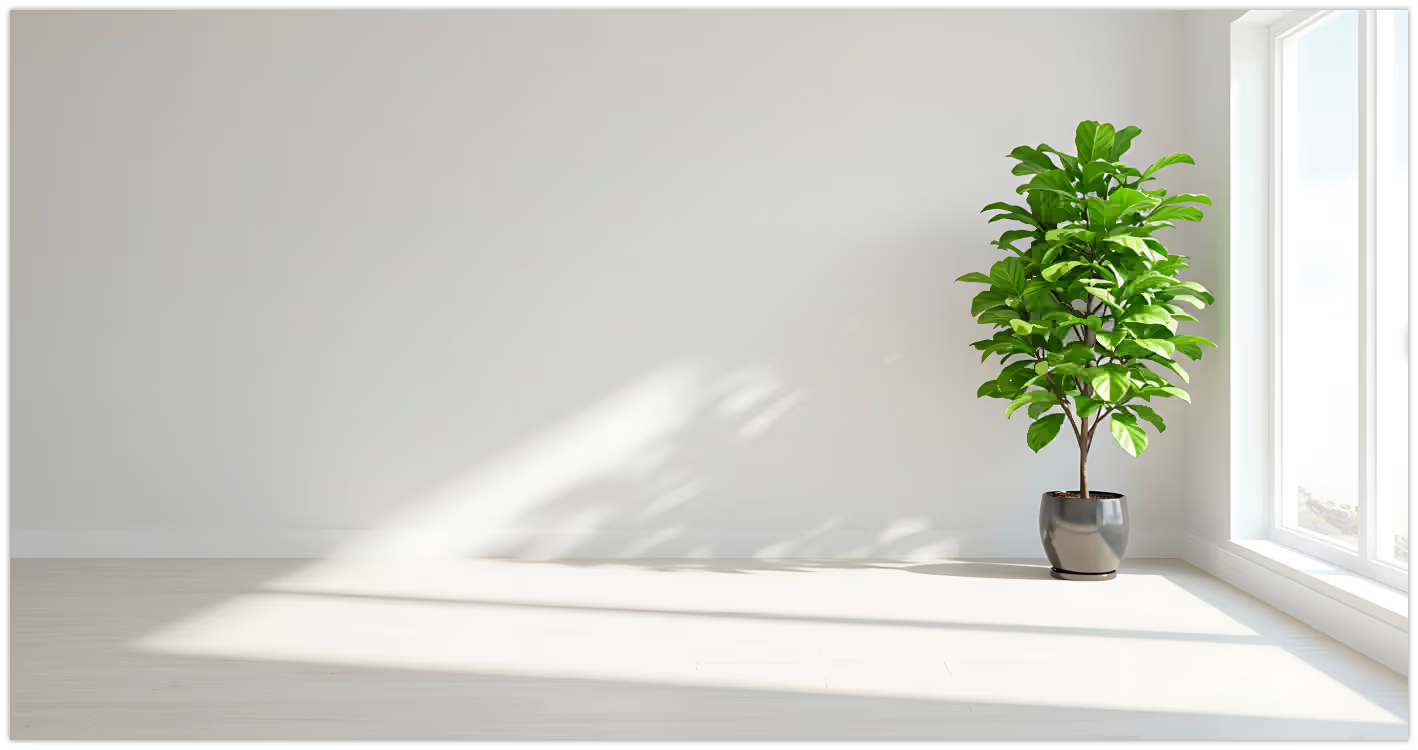 Original
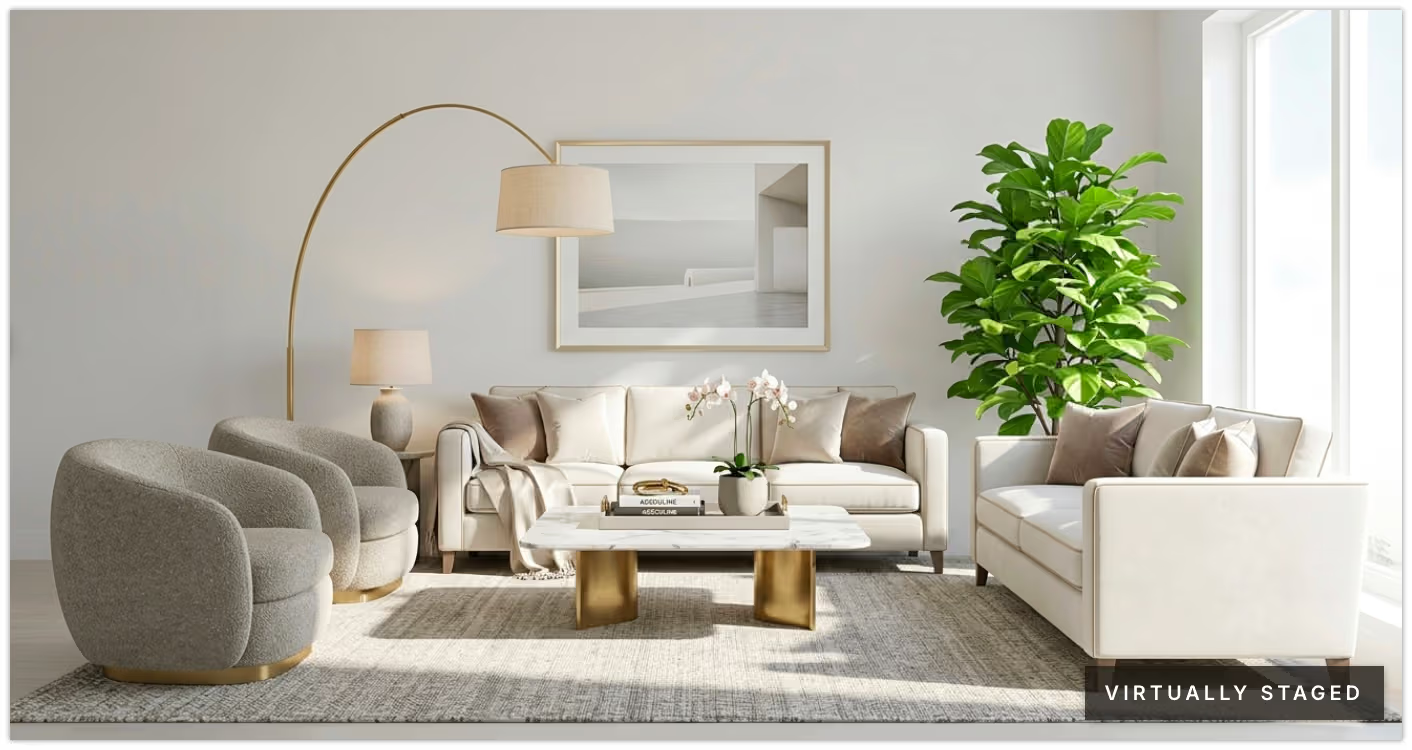 Virtually staged
Virtually Staged, Virtually Decluttered, Virtual Twilight, or Digitally Modified — the words are part of the edited file. The original remains beside it. You choose marketing, MLS, or both, and the public page waits until you publish.
After launch
Review campaign views, QR scans, and inquiries, then export the campaign as a presentation for your next seller conversation.
Why AllurAddress, brand, upload — then approve the campaign.
Get Started